Hosted in your own server room. Staff connect from old PCs or thin clients, and their files, settings and software are all there; reconnect after a drop and you are back where you left off. Data is kept in several copies, so work continues when one machine fails.
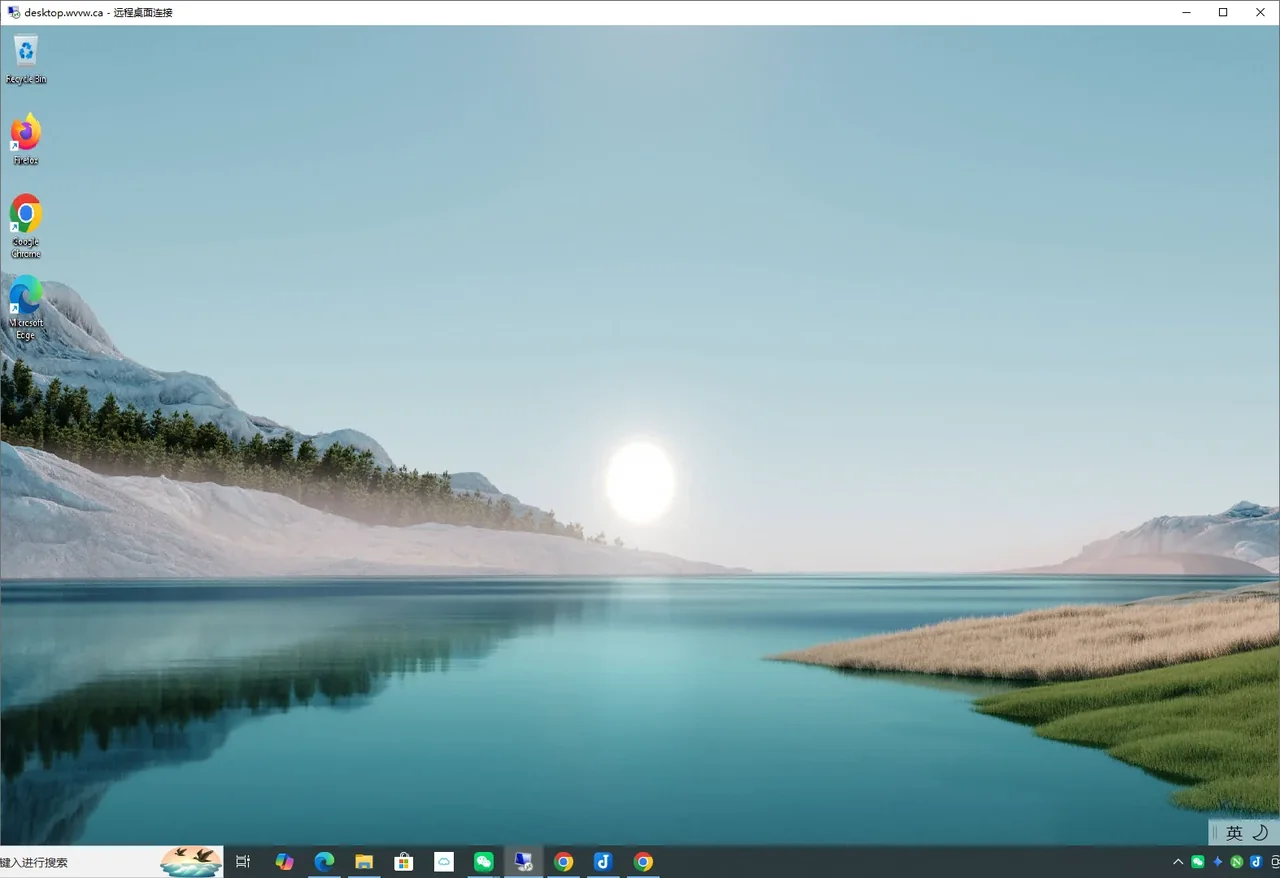
One entry point, one management page, and a few ordinary servers behind them. Staff just sign in; the system does the rest.
Staff use a single address and the system routes them to their own desktop. Reconnect after a drop and you return to the same screen with your files still open.
Own account, desktop and files, invisible to others, and it feels just like a personal PC.
Desktop settings, documents and browser bookmarks are stored on several machines. If one fails, sign-in still works and nothing is lost.
Who is online, which host they are on, device health and events; adding users and updating software, all from one web page.
Spec high and it idles most of the day, spec low and it lags at the worst moment. Replaced every three or four years, and when one breaks that person waits. Installing, updating and scanning is done machine by machine, data is scattered on personal PCs, and departures and losses are all worries.
Every role (accounts, files, desktop hosting, connection management) needs its own server, then duplicated for resilience. Capacity is fixed, so growth means bulk upgrades. Heavy investment, long projects and demanding skills.
Monthly per-seat fees, your data in someone else's data center, dependence on the internet, and a no-go for organizations with strict confidentiality or compliance needs.
Camay Desktop's approach: merge those roles onto a few ordinary servers, schedule resources centrally, keep data in several copies, manage software in one place, and keep it all in the customer's own server room.
Our demo environment uses just two entry-level mini PCs released in 2018, yet they run account services, file services and multi-user desktops at the same time. Here is why.
Core services (accounts, files, entry routing) run in isolated spaces with a tiny footprint, so no separate PC or heavyweight virtual machine is needed for each.
Several people use one Windows at the same time, each with a private desktop and files. That saves a great deal of RAM and CPU compared with a full virtual PC per person.
What traditional designs spread over several or a dozen servers is merged onto a few ordinary ones: a smaller room, lower power bills, less to maintain.
People's busy moments don't line up, so resources are pooled: busy users get more, idle capacity is taken back. Size it to the team's combined usage, not to everyone's busiest moment.
One system from pilot to production and from a few people to many more, with nothing to tear down when you grow. A real project is sized to your organization.
One server can run accounts, files and many users' desktops at once, and be demonstrated the same day. No standby machine, so best for demos and pilots.
Start with two. Account services and personal data are kept in several copies, and desktops can be taken over between machines. Failure, repair or upgrade of any one doesn't stop work.
More people: add session hosts. More data: add storage. Not fast enough: upgrade the servers. Deploy by department or floor; existing accounts and data carry over.
| Standard office desktop | Dedicated session host | |
|---|---|---|
| Who it's for | Most office staff: documents, spreadsheets, email, browsers, business software | Power users who like to tinker, and people in design, development, engineering or working with instruments |
| How it works | Several people share one desktop host, each with a private desktop | Log in to a dedicated machine assigned to that person and use it alone |
| Where it runs | Servers in the server room | A GPU workstation, a PC wired to instruments, or even a repurposed old PC |
| Software | Installed and updated centrally in the golden image, in sync for everyone | Users may install what they like without affecting anyone else |
| Personal data | Kept in several copies and follows the person | Also kept in several copies, so a change of device loses nothing |
| When something breaks | The host returns to the standard state; personal data is untouched | Reset to factory state or any earlier point in time; personal data kept |
In any team, most people are standard office users and a few need to run things their own way. Camay Desktop manages both together: one account system, one entry point, one data-protection policy, and specific users can be assigned to specific machines.
The usual approach to design, modelling and rendering is a high-end workstation for every designer, plus a laptop for travel and home, and a dedicated machine even for someone who only comes in once every month or two. A team of 20 designers at 1.5 computers each (workstation plus laptop) means about 30 machines, most of them idle most of the time, yet nobody dares go without.
Several hosts with professional GPUs form a shared pool, and designers sign in to whichever is least busy. The pool is sized by how many people render heavily at the same time, not by headcount, and they stagger heavy rendering among themselves so the GPUs are used when they matter most.
People who rarely come in just sign in from their own computer or any device. The desktop, software and project files are all there, and when they log off no high-end PC sits idle.
In the office, a meeting room or elsewhere, people open the same desktop, and project files stay on the company's own equipment instead of being copied around.
Note: solutions for design teams are scoped per project and confirmed by testing, taking into account the software used, how it is licensed (whether it can be shared across machines), project file sizes and network conditions. Software licensing is the user's responsibility.
These are real failure drills run in our trial environment.
| What goes wrong | What employees experience | Status |
|---|---|---|
| One file service stops | Sign-in works as normal; personal data comes from the other copy and catches up automatically after repair | Verified in trial |
| One account service stops | Sign-in works as normal, even for people who never signed in on that machine; the system switches to the other | Verified in trial |
| Many users on the same host | No interference; users cannot see each other's files | Verified in trial |
| One whole machine is shut down or loses power | Work continues unaffected: accounts, files and desktops are served by the other machine | Verified in trial |
| Software broken, tampered with or infected | The desktop is regenerated from the golden image, like a factory reset; personal settings and files are untouched, and individual users can be reset separately | Verified in trial |
| An employee deletes a file by mistake | Version history can be configured so you can return to a point before the incident | Optional |
A UPS is recommended so power loss leads to an orderly shutdown and automatic recovery.
For exchanges and implementation that involve customer data and business, we can sign a confidentiality agreement first. The system itself uses full-disk encryption and keeps data on the customer's own equipment, and during remote assistance we handle only what is necessary.
Settings, documents and bookmarks follow the person. Meeting room today, home tomorrow, a different device or host: it looks the same when you sign in.
The system runs inside the customer's LAN, so work in the office feels local, and an internet outage doesn't affect internal use.
Install and test apps once in the golden image, then update every host in turn with no downtime. If a version misbehaves, roll back in one step.
As the business grows, add a desktop host by cloning the golden image, usually with no downtime; when you need fewer, repurpose one.
Learn your headcount, software, network and existing devices; deliver a plan and an itemized quote.
Start with one machine and a few users in real use for a while, measuring how many each machine carries.
Add more machines so losing one doesn't stop work, then migrate more staff.
After installation, we handle day-to-day operations, monitoring, updates and technical support, remotely first and on site when needed, so the customer does not have to worry about the technical details.
Hosts are sized for the number of people working at once, with far more memory and CPU than an ordinary PC, which is plenty for office work. How many each host carries is measured in the pilot, and you add machines if you need more.
Your internal network doesn't depend on the internet, so internal use continues. Working from home needs a stable connection, as with any remote-work method.
No. Each person's desktop and files are separate, and tests show employees cannot open each other's personal folders.
Data is kept on several machines and encrypted. If one storage or server fails, sign-in and work are unaffected and other copies remain. We still recommend regular offline backups.
Daily operation is done in the management page, and an ordinary administrator can handle it after training. Complex issues are handled by our engineers remotely, and on site when needed.